A desktop home for your CLI agent

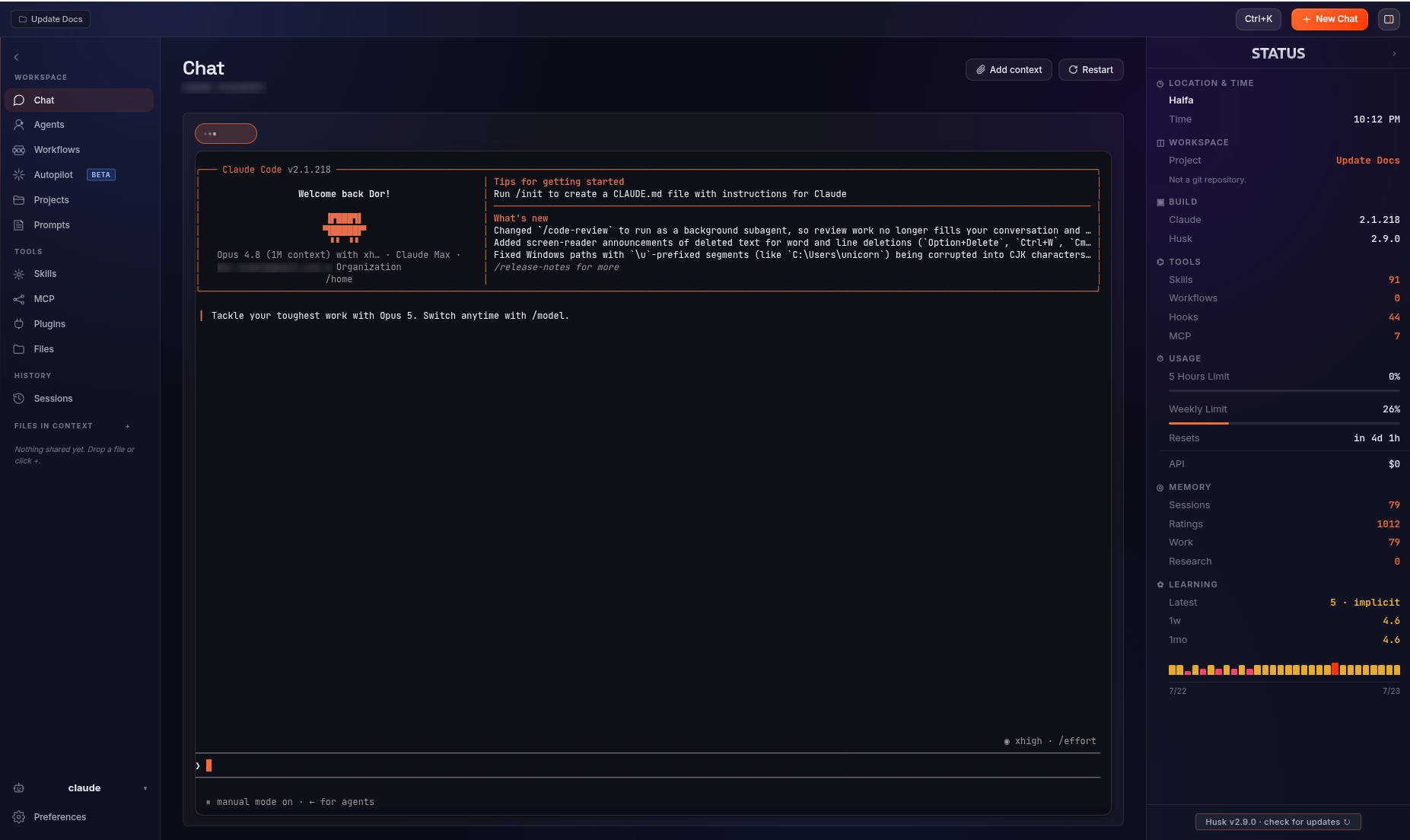
Husk wraps any terminal-based AI coding agent in a clean window: a real PTY, drag-drop file context, workflows, skills, and MCP. Bring your own agent. Install in one line.

$ curl -fsSL https://dorshaer.github.io/Husk/install.sh | bash
Signed apt repo on Debian/Ubuntu, .rpm on Fedora, AppImage elsewhere, .dmg on macOS. Checksums verified.
Why Husk

The agent, unchanged. The surface, finally usable.

CLI agents are powerful and free, but they live in a black-on-black terminal that newcomers find intimidating and easy to lose work in. Husk keeps the agent exactly as it is and adds the surface that makes it approachable.

Real terminal

A real terminal, in a real window

Full TUI fidelity over a genuine PTY. Drag files in for context, watch a live status panel, and never lose the thread. If you already live in the terminal, Husk stays out of your way.

Chat in a real PTY
Agents

Personas, curated

Pick the agent personas active for your next session.
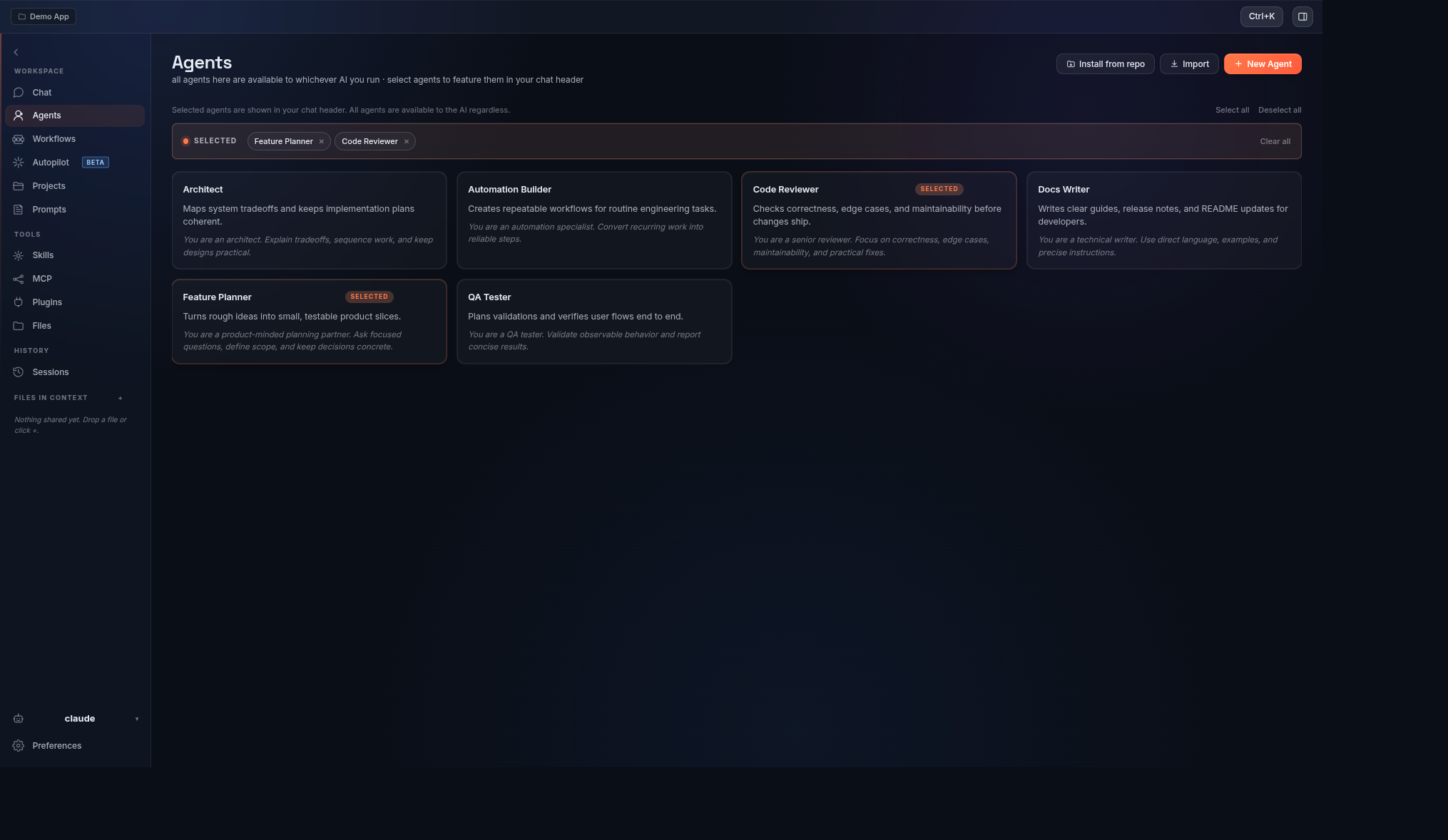
Agents page
Workflows

Automations as graphs

Build multi-step automations with conditional branching in a visual editor.
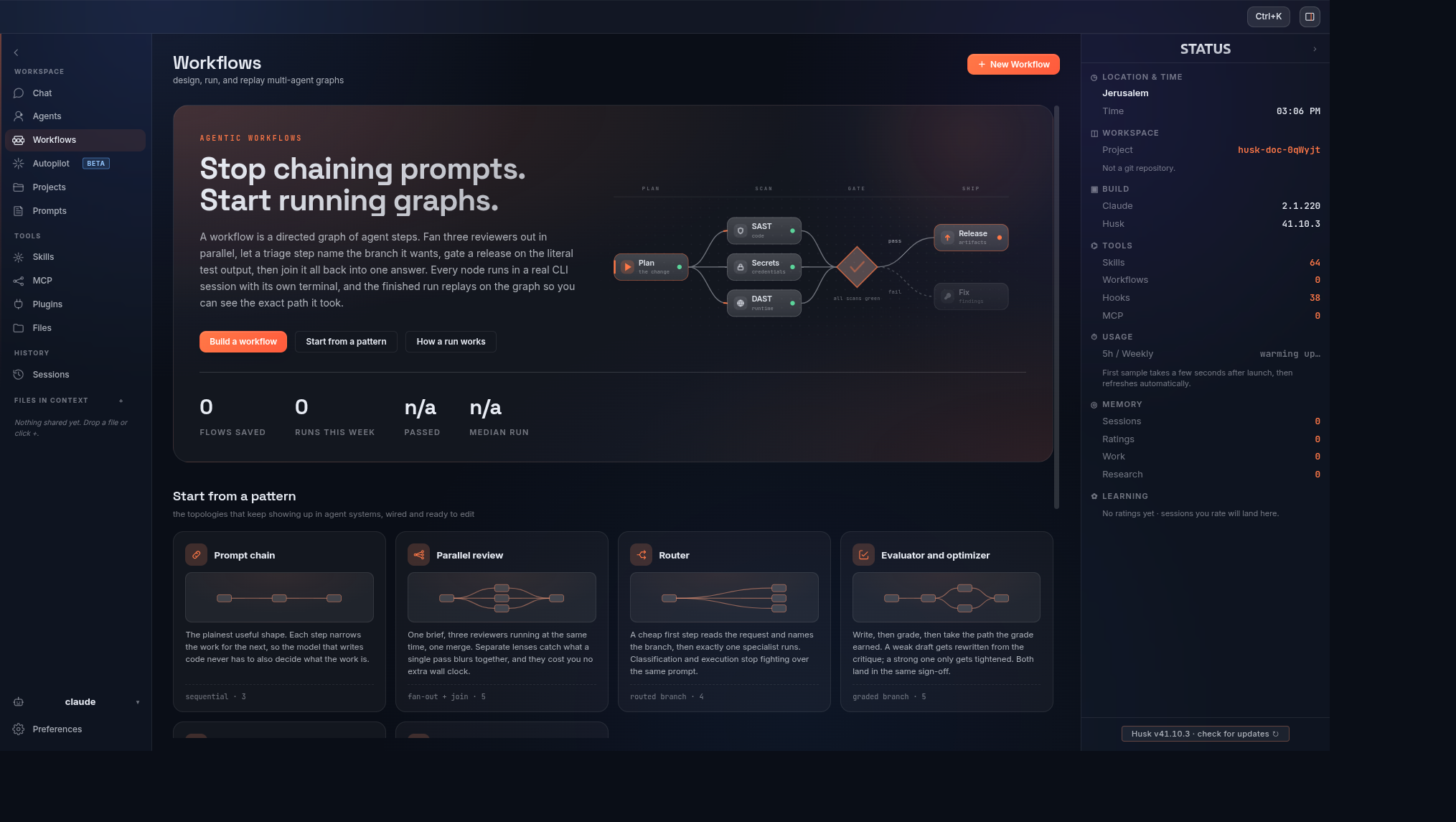
Workflows graph editor
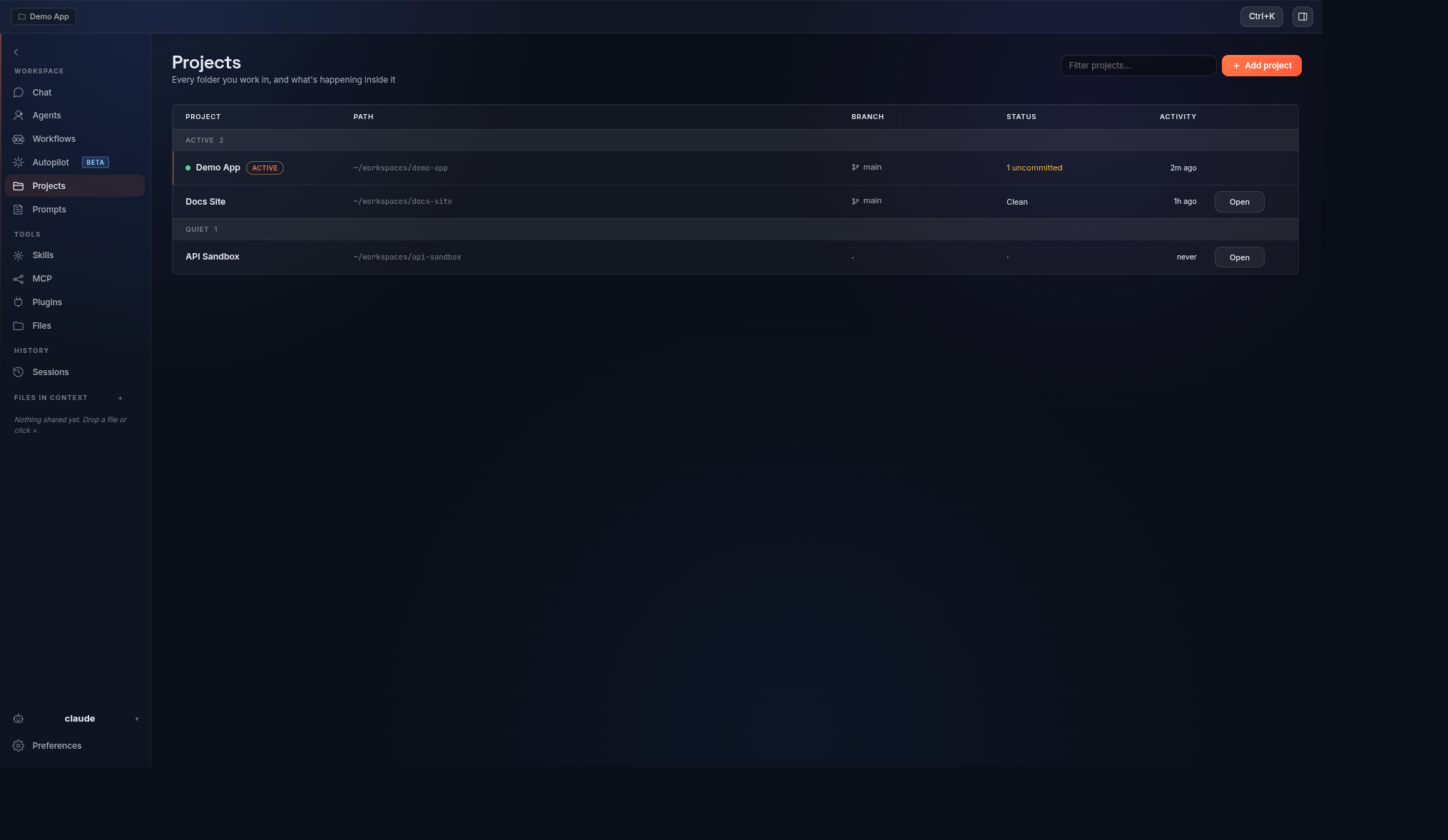
Projects

Pin your folders

Pin folders as Projects so the agent always starts in the right working directory.
Projects
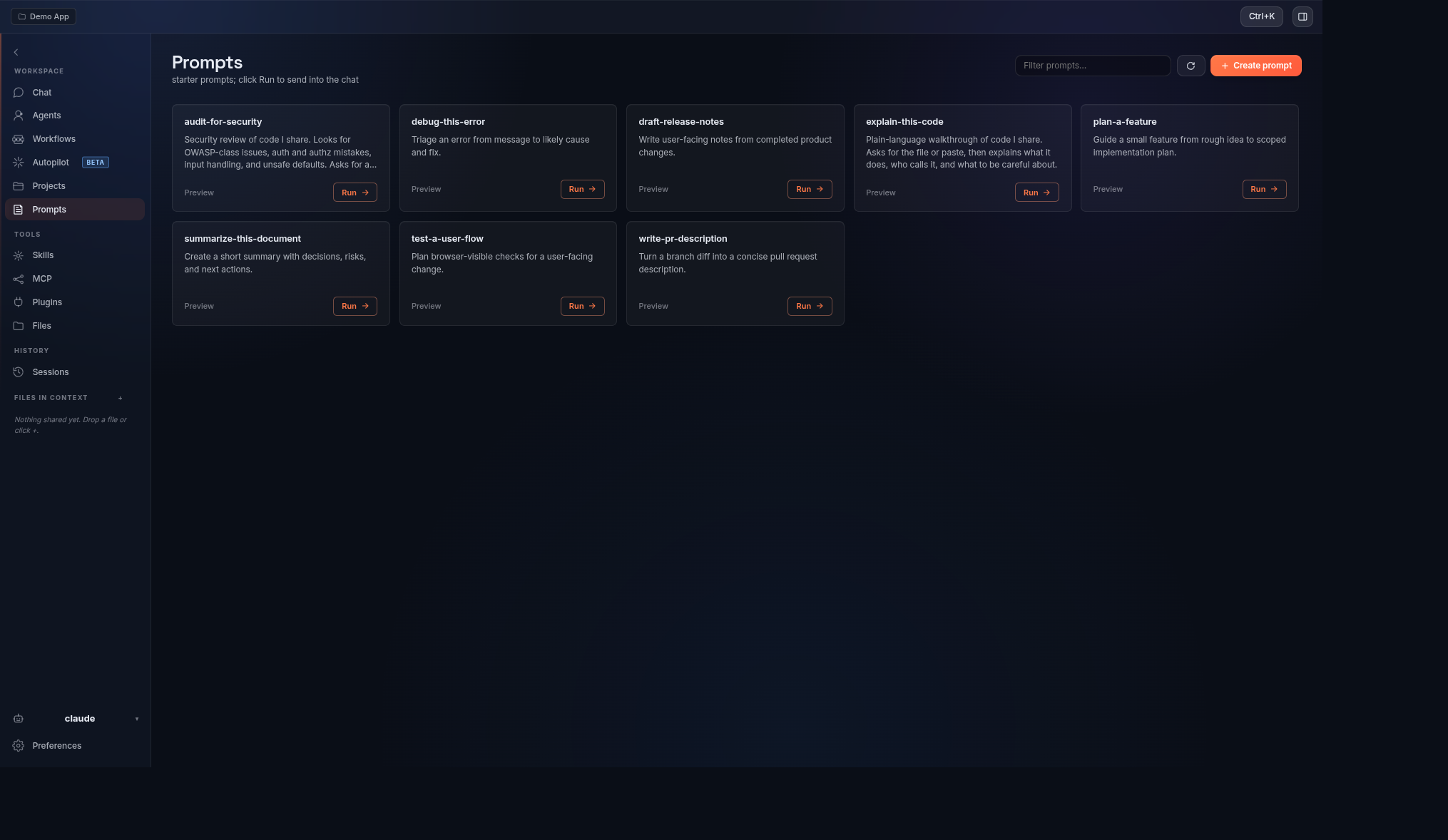
Prompts

Prompts on tap

Save reusable prompts and fire them with a single click.
Prompts library
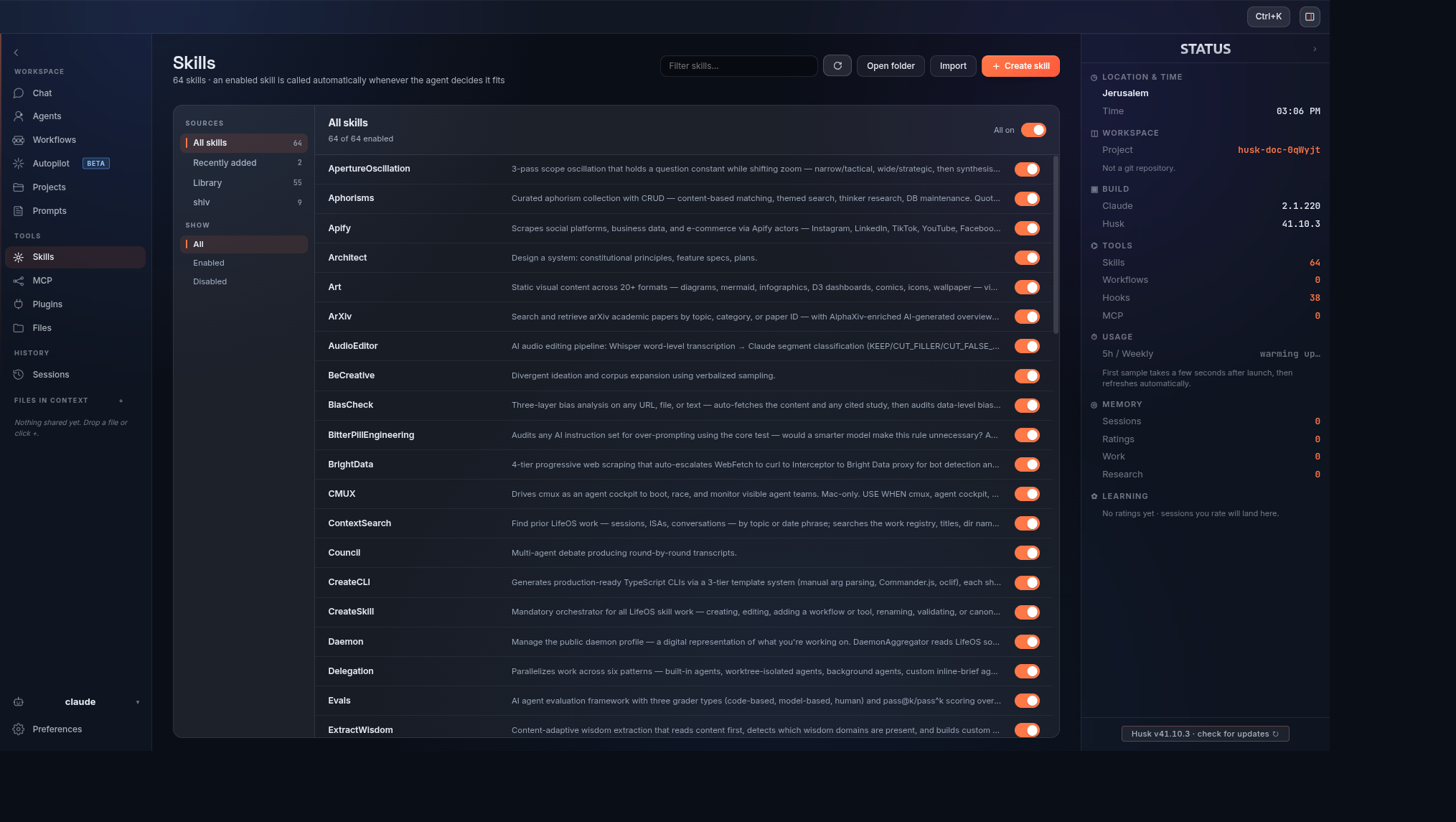
Skills

Skills, one click

One-click Use, animated toggles, and source badges across your whole skill set.
Skills page
MCP

MCP, wired in

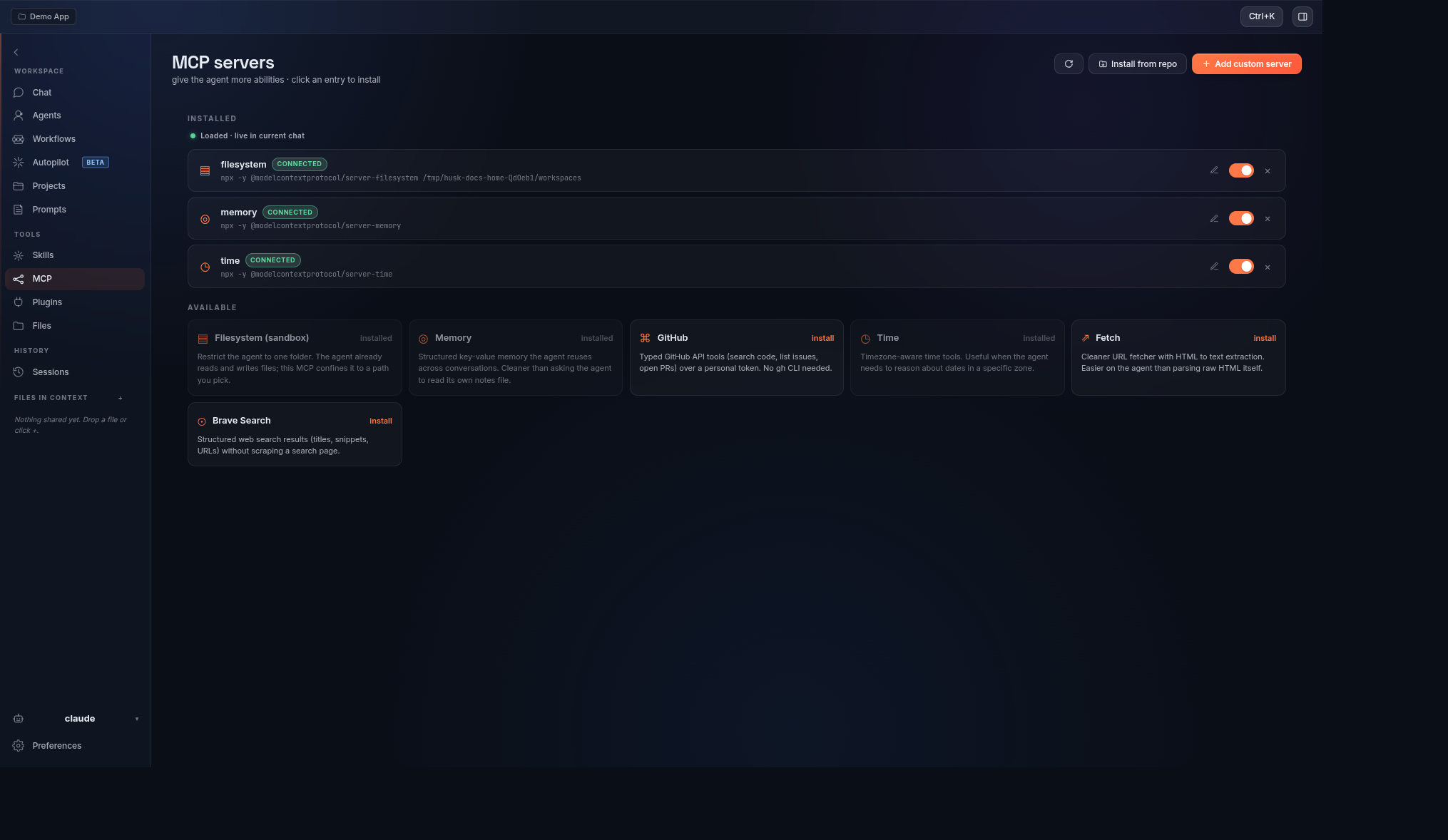
Live connection state, a curated catalog, and a paste-the-JSON path for any server.

MCP servers page
1 line
Install, any OS
Signed
apt repo + Sigstore provenance
No Node
Bundled Electron runtime
MIT
Open source, yours to fork
Install

Up and running in one line

Pick your platform. The one-liner auto-detects and installs the right build.

One line, any OS recommended

Debian/Ubuntu gets the signed apt repo (so apt upgrade keeps Husk current); Fedora gets the .rpm, other Linux the AppImage, macOS the .dmg. Every download is checked against the release SHA256SUMS before it runs.

# Linux and macOS
curl -fsSL https://dorshaer.github.io/Husk/install.sh | bash
# Windows, in PowerShell
irm https://dorshaer.github.io/Husk/install.ps1 | iex

Debian / Ubuntu (apt)

Add the signed repository once, then install and stay current with apt upgrade.

curl -fsSL https://dorshaer.github.io/Husk/husk.gpg | sudo tee /usr/share/keyrings/husk.gpg > /dev/null
echo "deb [signed-by=/usr/share/keyrings/husk.gpg] https://dorshaer.github.io/Husk/apt stable main" | sudo tee /etc/apt/sources.list.d/husk.list
sudo apt update && sudo apt install husk

Any distro (.deb, AppImage, source)

Prefer a manual install? Grab a file from the latest release.

# Debian/Ubuntu, manual .deb
sudo dpkg -i husk-v*-linux-amd64.deb || sudo apt -f install

# Portable AppImage (no root)
chmod +x husk-v*-linux-x86_64.AppImage && ./husk-v*-linux-x86_64.AppImage

# From source
git clone https://github.com/DorShaer/Husk.git && cd Husk && ./installer/install.sh

One line, or drag the app

The one-liner fetches and installs the right .dmg for your chip. Or download it and drag Husk to Applications.

# One line (Apple Silicon or Intel, auto-detected)
curl -fsSL https://dorshaer.github.io/Husk/install.sh | bash

# If macOS still blocks the app on first launch
xattr -dr com.apple.quarantine /Applications/Husk.app

One line, in PowerShell recommended

Downloads the installer for your machine, verifies it against the release SHA256SUMS, and runs it. No git, no Node, no build tools.

irm https://dorshaer.github.io/Husk/install.ps1 | iex

Husk for Windows is not code-signed yet, so SmartScreen may warn about an unknown publisher. The installer is checksum-verified before it runs, and you can check the hash yourself against SHA256SUMS in the release.

Or download the installer

Grab the -win-x64.exe from the latest release and run it. To install unattended:

& ([scriptblock]::Create((irm https://dorshaer.github.io/Husk/install.ps1))) -Silent